Nic
Nic
Setting up an email account for your custom domain is essential for professional communication, ensuring your business or personal brand appears credible and organised.
With email hosting, you can create personalised addresses that match your domain, enhancing trust and brand identity. This guide will walk you through the process using cPanel, providing clear steps to help you quickly configure your email accounts without hassle.

2. Once you have logged in, navigate to email accounts in the email section.

3. Here you see an overview of your existing email accounts. Click Create as highlighted.
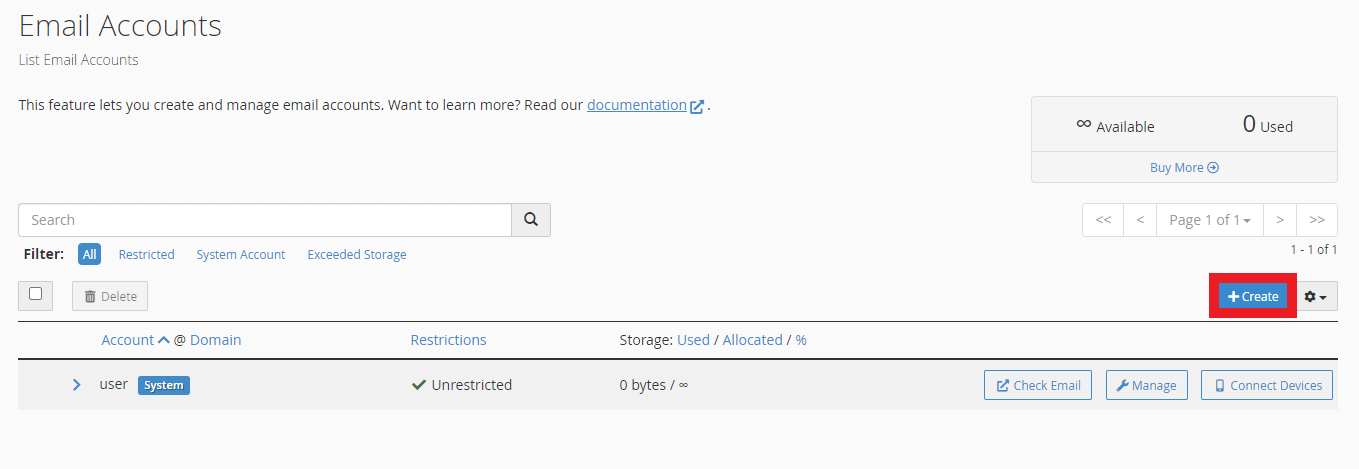
4. Click Create and populate all fields with the desired values. Use the password generator to generate a unique, strong password.

5. Optional, click Edit Settings and adjust the mailbox quota.
6. Finally, click create to create an account.

You must be logged in to post a comment.