 Nic
Nic
A small business website rarely gets hacked because someone was specifically targeting a local firm in Leeds or a one-person consultancy in Bristol. More often, it gets caught by automated scans looking for weak passwords, outdated plugins, missing updates or poor hosting setups. If you want to secure small business website operations properly, the goal is not to become a security expert overnight. It is to remove the easy wins attackers look for and put sensible protection in place from day one.
For most small firms, website security is really a business continuity issue. If your site goes down, shows spam, redirects customers elsewhere or leaks contact form data, the damage is not just technical. It affects trust, enquiries, sales and your time. That is why the best approach is practical rather than dramatic – start with the basics, choose reliable systems and make sure protection is built into the way your site is hosted and managed.
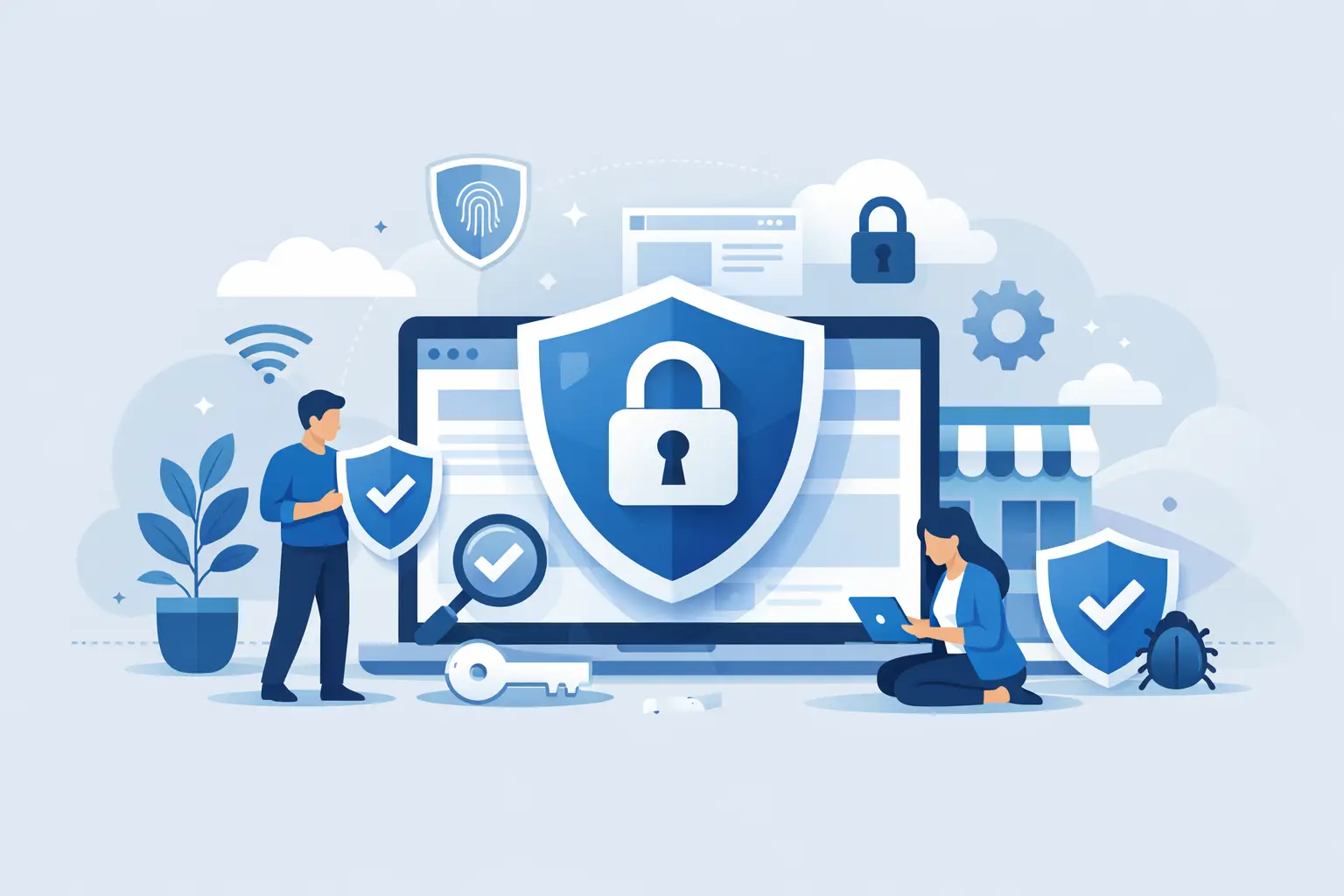
A secure small business website does not depend on one feature. It comes from layers working together. SSL helps protect data in transit, but that alone will not save a site running outdated software. Backups are essential, but they are not much use if they are inconsistent or hard to restore. Malware scanning matters, but it should sit alongside proper updates, sensible user permissions and strong hosting security.
This is where many businesses get caught out. They buy a domain from one company, host the website somewhere else, use email with a third provider and bolt on security tools later. That can work, but it often creates gaps. When something goes wrong, nobody is quite sure which service is responsible. A simpler setup is usually safer because it is easier to manage, easier to monitor and far less likely to be neglected.
If the hosting is unreliable, every other security measure becomes harder. Good hosting should give you a free SSL certificate, automated backups, malware protection, current server software and a clear control panel for managing your site. It should also make updates, account access and recovery straightforward rather than awkward.
Cheap hosting is not always bad, and expensive hosting is not always secure. The real question is whether the provider does the routine work well. Small businesses benefit from hosting that includes core protections by default, because it removes the risk of forgetting something important. That matters even more if you do not have in-house IT support.
A dependable host should also offer support that can actually help when there is a problem. Fast storage and strong uptime matter, but so does having someone available when your site breaks after an update or starts behaving oddly. Security is partly about prevention and partly about how quickly you can respond.
Visitors expect to see the padlock in the browser. More importantly, SSL encrypts data moving between your website and your users. That is essential if you collect enquiries, logins, payments or any personal information.
Even so, SSL is often misunderstood. It does not mean your entire site is safe from attack. It means data in transit is protected. You still need secure login practices, updated software and safe hosting underneath it. Think of SSL as a basic requirement, not the full answer.
Make sure SSL is installed correctly across the whole site and that all pages load over HTTPS. Mixed content warnings, old redirects or partial installations can create trust issues and technical problems. For a small business, this is one of the easiest wins because it improves both security and credibility.
Outdated WordPress cores, themes, plugins and custom applications are one of the most common causes of hacked sites. Attackers do not need to guess. They use tools that scan for known vulnerabilities and exploit them automatically.
That means updates are not housekeeping. They are security work. If your site relies on WordPress or another CMS, make time to review updates regularly. The same applies to extensions and add-ons. If a plugin has not been maintained for years, it may be cheaper to replace it now than clean up a compromised site later.
There is a trade-off here. Applying every update the moment it appears can sometimes cause compatibility issues, especially on sites with several plugins or bespoke functionality. For that reason, backups matter just as much as updates. A sensible process is to keep software current, test where possible and make sure you can restore quickly if something goes wrong.
Many small businesses invest in hosting and SSL, then undermine it with shared logins and weak passwords. If three people all use the same admin account, you lose accountability and increase risk. If passwords are short or reused elsewhere, attackers may not even need to breach your site directly.
Use unique accounts for each user, remove access when someone no longer needs it and only grant the permissions required for the job. A content editor does not always need full administrator control. That small change can limit the damage if one account is compromised.
Strong passwords are non-negotiable, but two-factor authentication is even better where available. It adds one more barrier between an attacker and your admin area. For many businesses, it is one of the simplest ways to reduce risk without changing how the site works day to day.
If security is about reducing risk, backups are about limiting the impact when something slips through. A clean, recent backup can turn a major incident into a manageable inconvenience.
The key is automation. Manual backups sound fine until a busy week turns into a busy month and nobody remembers to do them. Automated backups are more reliable, especially when they are included with hosting and stored separately from the live site.
Just as important is knowing what restoration looks like. Some backup systems exist in theory more than practice. If recovery is slow, confusing or incomplete, that becomes a problem when you need it most. A backup is only useful if you can restore your website quickly and get back to business.
Malware can show up in different ways. Sometimes it is visible, such as spam pages or suspicious redirects. Sometimes it sits quietly in files, waiting to be used later. Small business owners often discover it only after a customer points out something odd or Google flags the site.
Basic malware scanning and file monitoring can reduce that risk. These tools are not perfect, but they help identify common threats early. Combined with secure hosting, they create another layer that makes your website less attractive to opportunistic attackers.
This is one reason integrated hosting can make life easier. When backups, SSL and malware protection sit under one roof, security becomes part of the service rather than a side project. For businesses that want reliable protection without piecing together five separate tools, that simplicity is a real advantage.
Security is not only about the public-facing website. Contact forms can be abused for spam, admin login pages can be brute-forced and business email tied to your domain can become part of the problem if it is poorly managed.
Use spam protection on forms, keep admin URLs and login processes sensible and make sure email accounts are secured with strong passwords as well. If your domain, website and email are spread across multiple providers, keep records clear and access controlled. A surprising number of security issues start with confusion over who controls what.
For growing firms, this matters even more. The more services you add over time, the easier it is for old accounts, forgotten plugins or unmanaged mailboxes to become weak spots.
The hardest part of website security is not setting it up. It is keeping it in place when the business gets busy. Sites are rarely compromised because one big thing went wrong. More often, several small things were left unattended for too long.
That is why the best long-term plan is simple. Choose hosting that includes the essentials, keep software updated, limit user access, use SSL properly and make sure backups and malware checks are automatic. If your current setup feels fragmented or difficult to manage, moving to a provider built around convenience can improve security as much as performance. For many UK businesses, that is exactly where a service like Hex Hosting fits.
A secure website is not about ticking boxes for the sake of it. It is about giving customers confidence, protecting your reputation and making sure your site stays online when your business needs it most. The simpler your setup is to manage, the more likely it is to stay secure.
You must be logged in to post a comment.