Nic
Nic
When running a complex website, it makes sense to have a way of automating regular tasks, and never have to remind yourself to do them. This is what Cron Jobs is for – Linux commands that schedule things. That means, it is armed with a good knowledge of Linux commands, and you can make the best use of these Cron Jobs.
A Cron Job can be quite handy, as it can be instructed to run in hourly or minutely increments, on a certain day every week or date every month – you can even mix and match these. Be advised, though, that running too many Cron Jobs too often can lead to undue stress on the servers. However, such limits may not be applicable to non-shared resources like a dedicated server.
These Cron Jobs can be used for good old storage housekeeping, or for more advanced task flows that can free up time for more immediate concerns. There are even scripts that depend on Cron Jobs to run. The good thing is that such scripts will clearly detail what needs to be done with regard to the Cron Job.
How Cron Jobs Work
A Cron Job is made of three parts:
A script that is meant to run A command (specified in cPanel) that runs the script at set intervals or at set times. An action or result generated by the script, as the nature of the script might be.
Adding Cron Jobs via cPanel
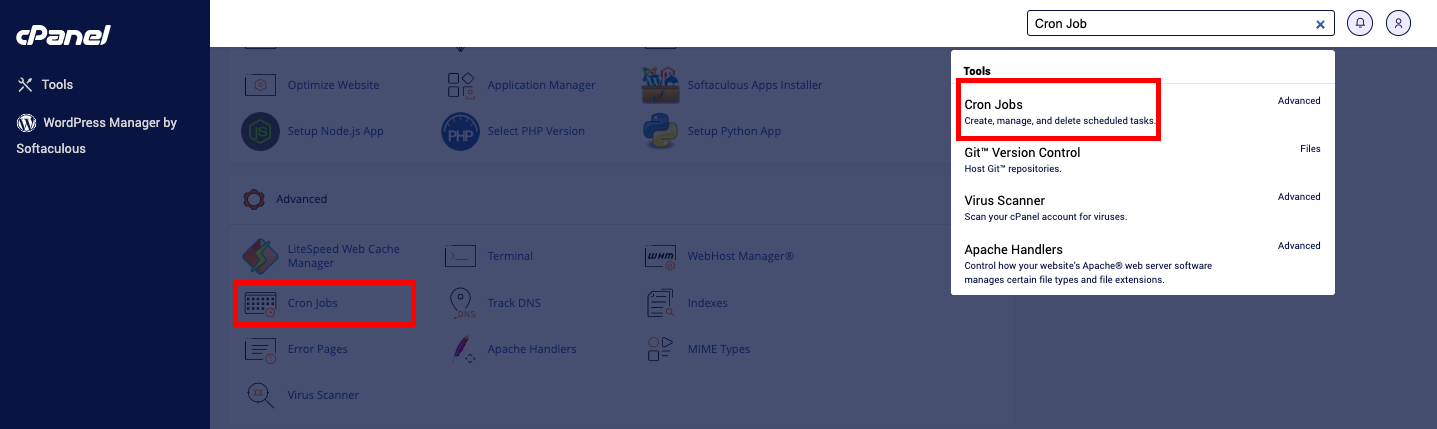


Here in cPanel, you can also view all ‘Current Cron Jobs’ where, under the ‘Action’ column, you also get to ‘Edit’ or even ‘Delete’ any existing job.
cURL, GET, and WGET
Here’s some good news when it comes to these request commands. As common as they are in Cron Jobs, there are no additional steps needed to access them; they’re all enabled by default with us.
To Keep in Mind for Running Cron Jobs
You must be logged in to post a comment.